ASP Uploader replaces the plain grey file input with a queue, a live progress
bar and validation that happens before anything is transferred — all rendered as ordinary
HTML you can restyle. Click any screenshot to enlarge it.
-
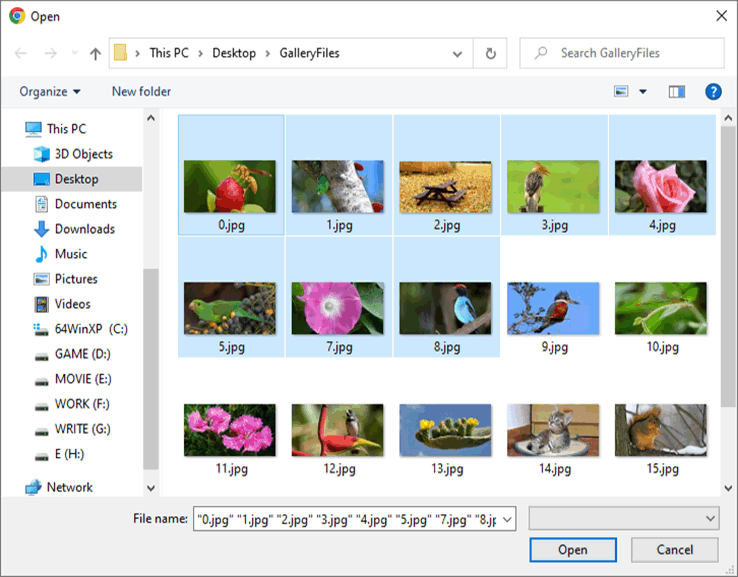 Selecting multiple files
One dialog, many files. Users ctrl-click or shift-click a selection in the file dialog, and each file becomes its own row in the upload queue. Turned on with a single property, MultipleFilesUpload. Multiple file upload guide →
-
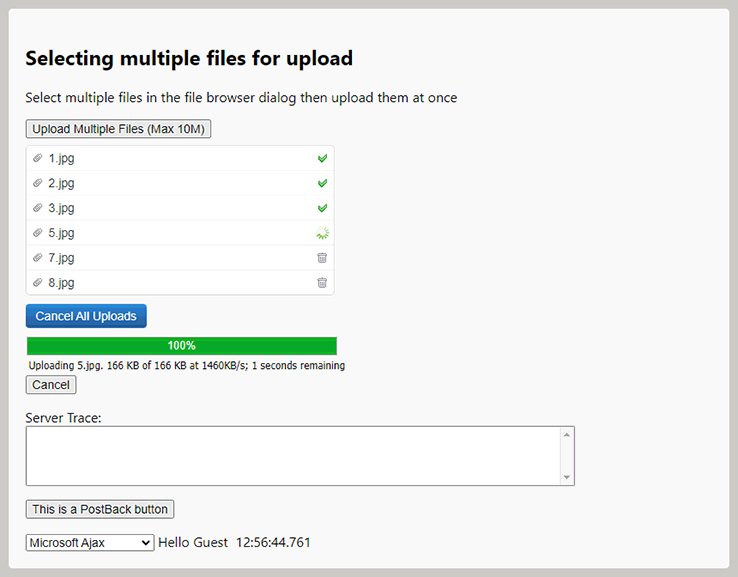 Real-time progress bar
The progress bar reports actual bytes transferred, not a timed animation, along with the amount sent and an estimate of the time left. Classic ASP cannot produce this on its own — the page does not start executing until the upload has already finished. How upload progress bars work →
-
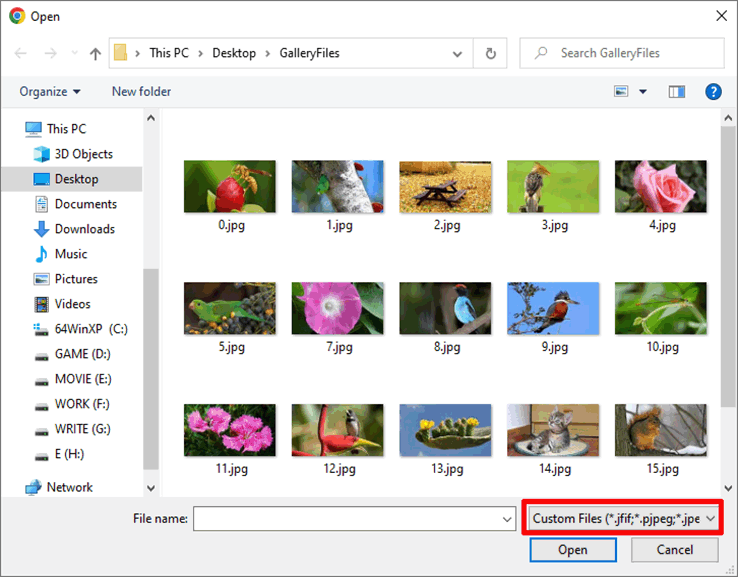 Validation before uploading
Files that break your size or type rules are rejected in the browser, before a single byte is sent. The same rules are enforced again on the server, so a direct post to the handler cannot bypass them. Validating file size and type →
-
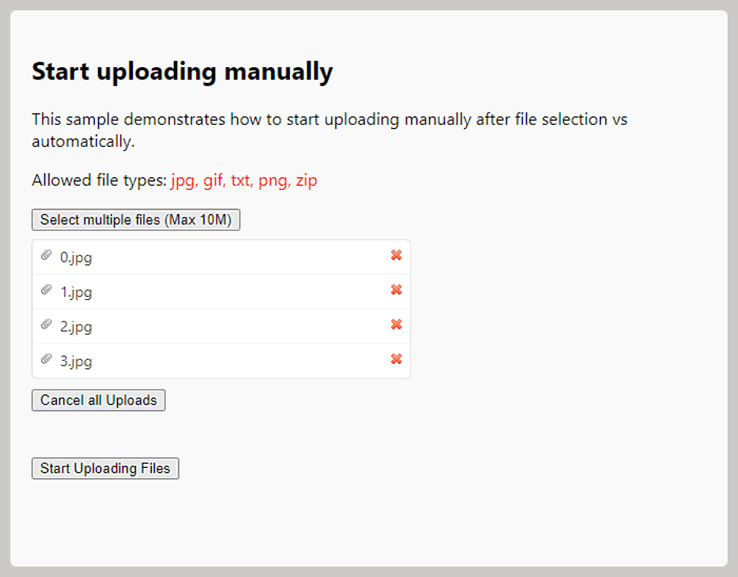 Start uploading manually
By default files begin transferring the moment they are selected. Set ManualStartUpload and they queue up instead, waiting for a button press — useful when the user should be able to review the list first. Manual start demo →
-
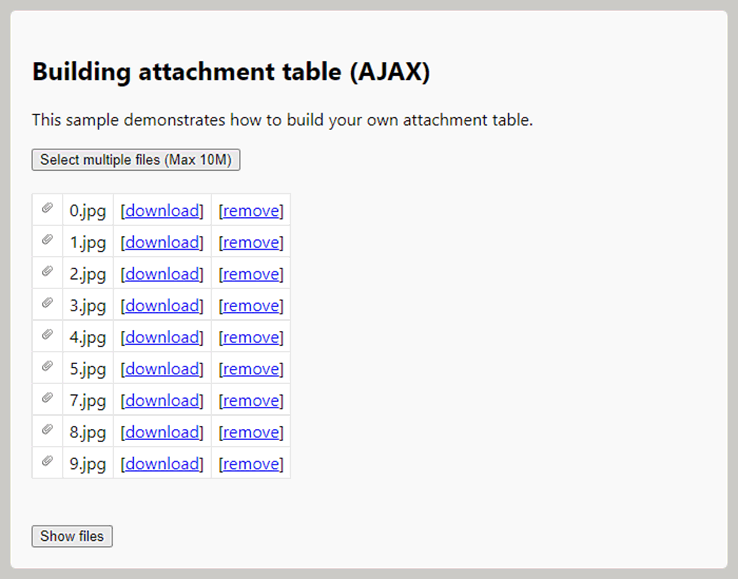 Attachment list, webmail style
Files upload in the background and each one is appended to an attachment table as it completes, with no page reload. The main form then submits a short list of identifiers rather than the files themselves, so the submit is instant. AJAX upload guide →
-
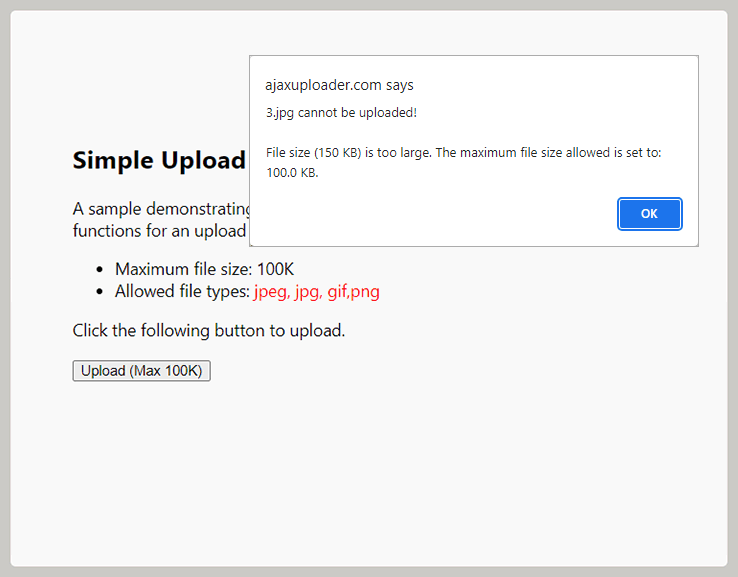 Custom validation messages
Every message the control shows is a property you can set, so you can say what the limit is and how to get under it rather than showing a generic refusal. A specific message is one less support email. Custom validation demo →
Everything here is plain HTML
The control renders standard markup — a button, a table for the queue, and a div for
the progress panel — so restyling it is CSS, not a theming API. The demos on this site
use a custom skin over the default look, which is a stylesheet and nothing more.
.uploaderprogress {
    background: #eef1f7;
    border-radius: 999px;
    overflow: hidden;
}

.uploaderprogressleft {
    background: linear-gradient(90deg, #377dff, #00c9a7);
}
See it running rather than in a screenshot: the
live demos include the complete ASP source for each
page, or read the full feature list.